
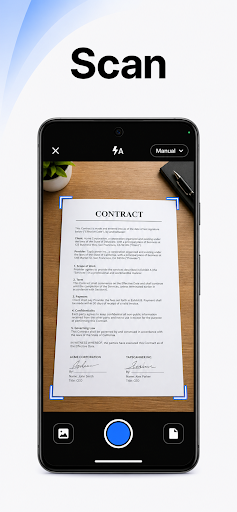
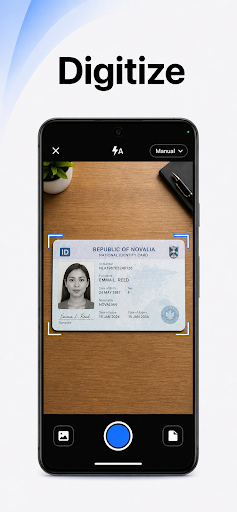
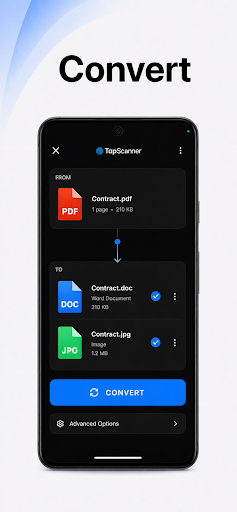
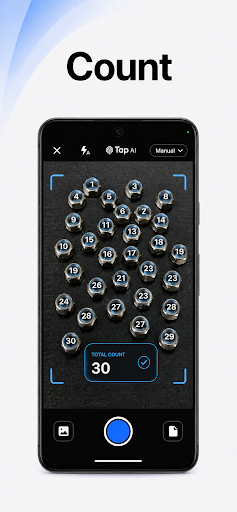
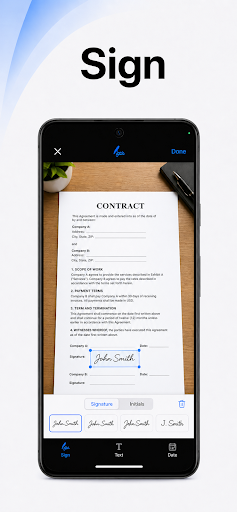
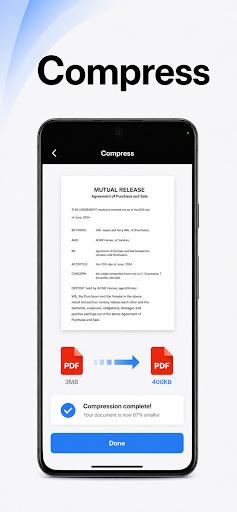
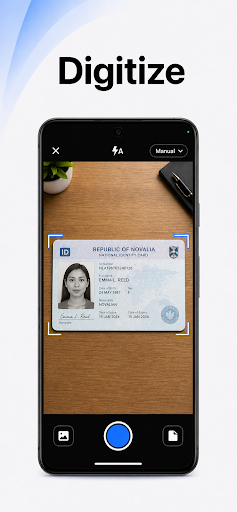
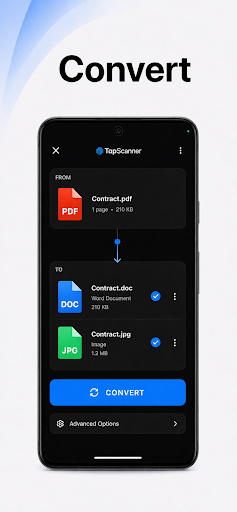
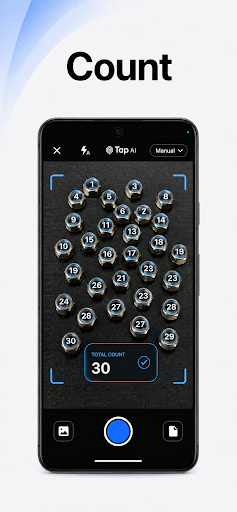
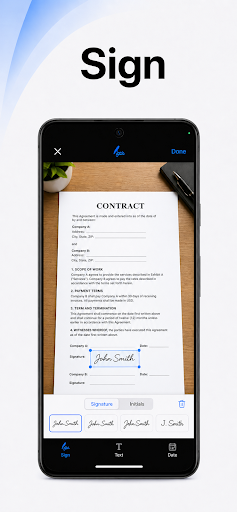
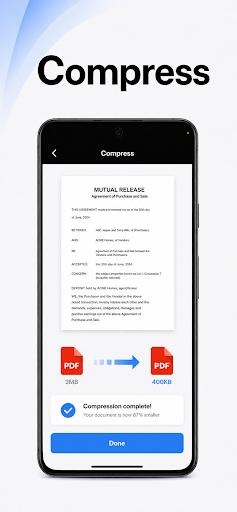
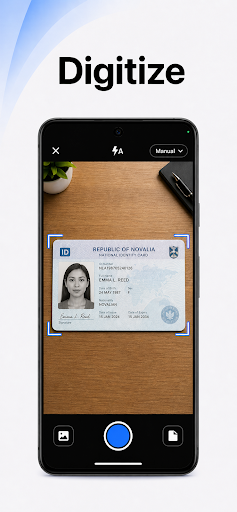
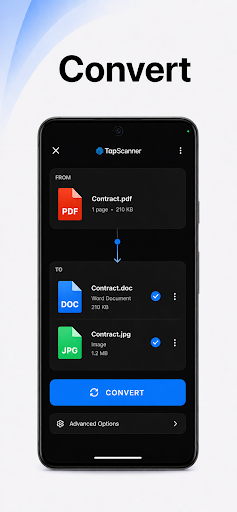
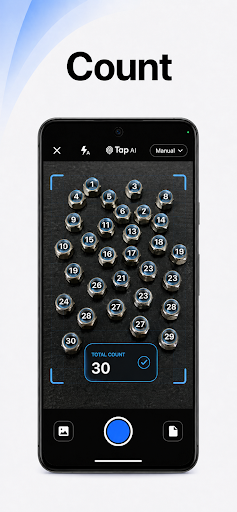
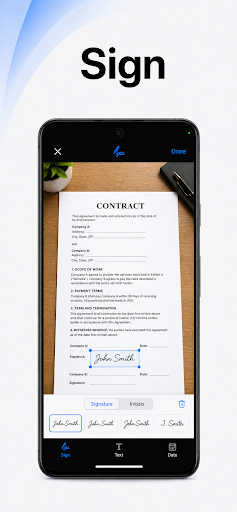
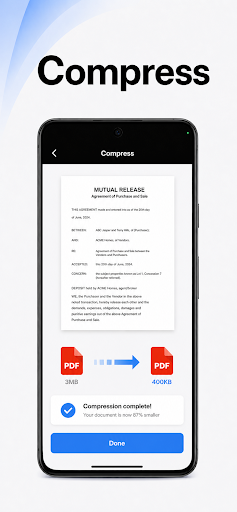
PDF Scanner app – TapScanner transforms a mobile device into a comprehensive document scanner and PDF toolkit. This app allows users to capture physical paperwork, such as receipts, business cards, contracts, and multi-page documents, and convert them into high-quality digital scans. It offers automatic edge detection and smart image correction to ensure clear, professional results. Beyond scanning, the app provides a suite of tools for managing, editing, and sharing these digital documents, aiming to streamline the handling of paperwork.
High-Quality Document Scanning
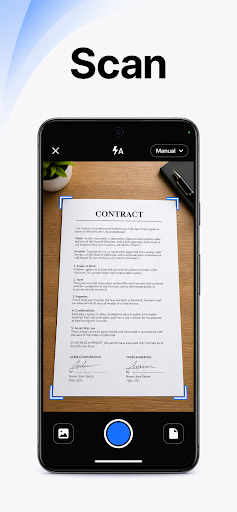
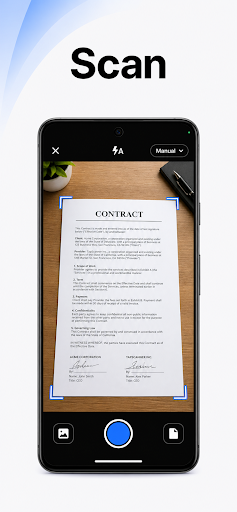
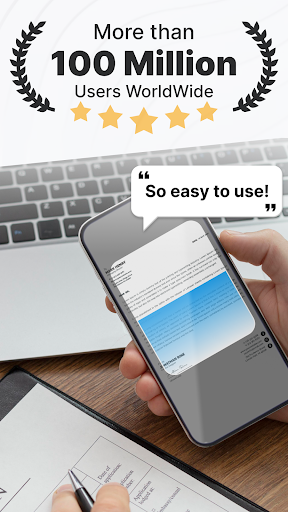
The app leverages automatic edge detection and smart image correction to produce clear, professional scans. It supports scanning various document types, including receipts, business cards, and contracts. For larger tasks, it can handle multi-page documents, compiling dozens of scanned pages into a single, neatly ordered PDF. Users can further enhance scan quality by adjusting brightness and contrast, removing shadows, and applying filters directly within the app. Batch scanning is also supported to save time when processing multiple items.
Comprehensive PDF Workspace
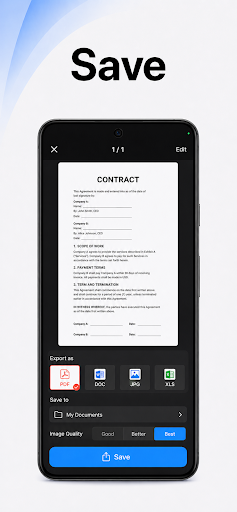
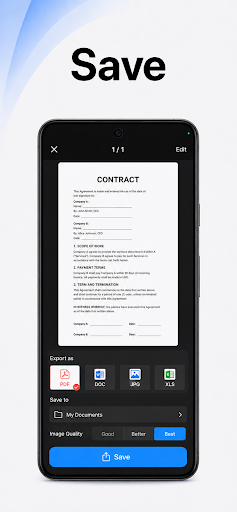
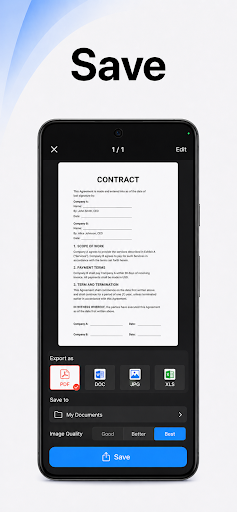
TapScanner functions as a complete PDF workspace, allowing users to perform various editing and management tasks directly on their device. Capabilities include merging multiple PDFs, splitting a single PDF into several, and reordering pages within a document. Users can also sign and annotate PDFs, adding notes or marks as needed. The app supports exporting documents to standard PDF formats, ensuring no quality loss in the process.
OCR Text Recognition
A key feature of the app is its Optical Character Recognition (OCR) technology. This allows users to convert scanned images into searchable and editable text. The OCR functionality supports over 110 languages, making it suitable for a wide range of documents and users globally. This means text within scanned documents can be extracted and used for other purposes.
Document Organization and Security
The app includes productivity boosters designed to help manage scanned documents efficiently. These include one-tap renaming for quick identification and automated file organization. For security and accessibility, TapScanner supports secure cloud backup, enabling users to sync their scans to popular services like Google Drive, Dropbox, and OneDrive. Additionally, sensitive documents can be protected with password encryption directly within the app.
Sharing and Printing
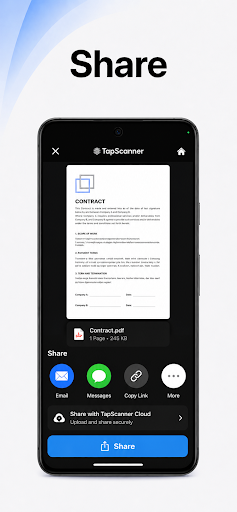
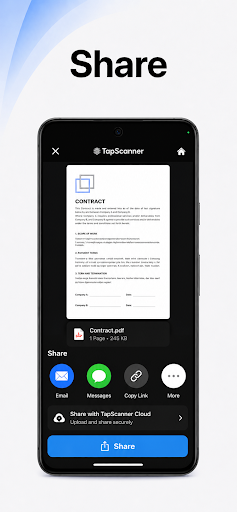
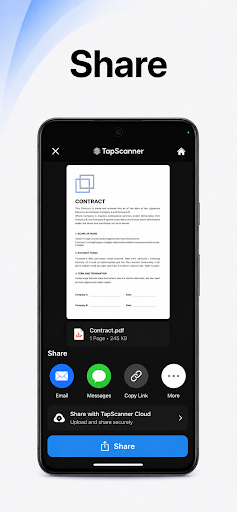
Once documents are scanned and processed, the app facilitates easy sharing and printing. Users can send their digital scans via email or various messaging apps. For physical copies, the app supports direct printing to any Wi-Fi enabled printer, offering a convenient way to get hard copies from the scanned files.
Subscription Information
While the app offers a free trial period, it operates on a subscription model. After the free trial concludes, if not canceled, the subscription will automatically convert to a paid version and users will be billed at the selected package price. Subscriptions can be managed and canceled at any time through the Google Play app by navigating to the profile icon, then selecting Payments & subscriptions, followed by Subscriptions.





Write a review